| |
|
At
the beginning of the month I told you about the Christmas Cinnamon Roll tradition
that I grew up with. What I didn’t mention was that over time, the delivery
list posed some geographical challenges. To solve this problem, my mom came up
with the plan to deliver ‘ready to bake’ rolls on Christmas Eve to those
on the list who lived too far away for a Christmas morning delivery to be practical.
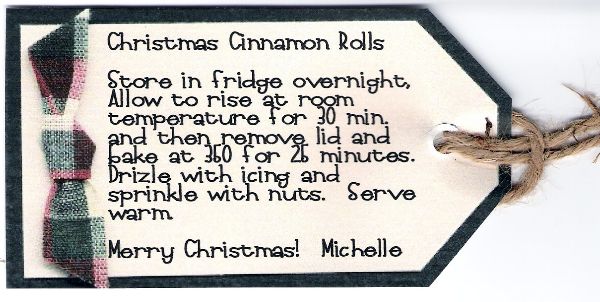
This week, when I deliver my ‘ready to bake’ rolls to friends
and family on Christmas Eve, they will also come with a great little gift/instruction
tag that was a snap to make with Journaling
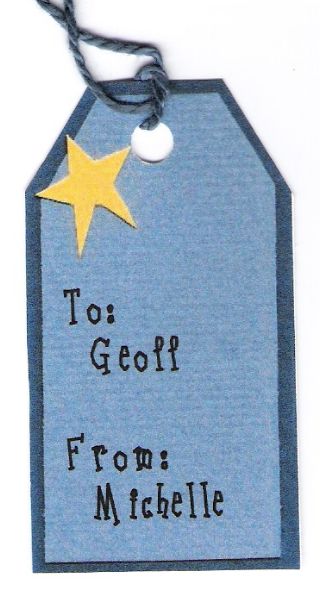
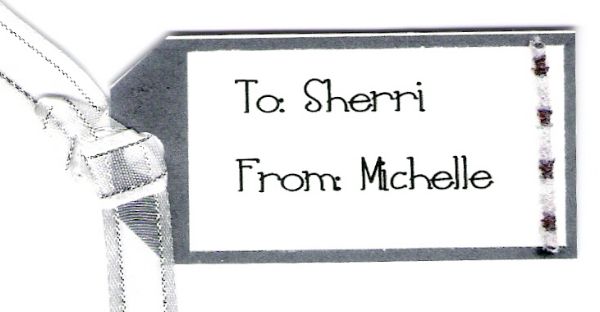
Delights. And while I was at it, I made some more traditional gift tags as
well.

Michelle@LetteringDelights.com
P.S. Would you like to save $5 on your next LetteringDelights.com purchase?
Refer a friend to the Lettering Delights newsletter and you'll both receive
a coupon code good for $5 off a purchase of $15 or more. As a new newsletter
subscriber, your friend will also receive seven fun and creative Lettering
Delights fonts. |  |
| | 
It’s
quick and easy with these steps: Open your
Lettering Delights browser and select Journaling Delights. Selecting
the tag(s) you want to use will be the biggest challenge. There are lots of great
Christmas theme sets, including Chistmas, Happy Holidays, Holly Berry, Plaid Ribbon,
Star Trees, and Tannenbaum. However, don’t overlook other sets that might
fit your theme. For example, all of the gifts under my tree are silver and white,
so I found that the tags on the sets, Silver & Black and Wedding, would work
perfectly. If blue is a major color in your holiday decorating, consider using
the tag in Blue Beads. Click on the tag you want
to use and it will appear in the large white box to the right of the ‘Add’
button at the bottom of your browser. Click the
‘Add Text’ button, at the bottom of your browser. Select a font and
type the appropriate To and From information and/or a brief holiday greeting.
In my case, I typed in the instructions for baking the cinnamon rolls. When
you click the ‘OK’ button, the tag, with the text, will automatically
appear in the ‘Image’ box in the lower left corner of your browser. Mover
to the Layout page and click on your tag that is showing in the ‘Images’
box. Select the tag on the layout page and then
click ‘Size Image’ and set the dimensions for your tag. Remember that
it is best to make sure the ‘Constrained’ box next to Image Height or
Image Width is checked, to prevent proportional distortion of the tag. Once
the image is sized to your liking, you can move it around on the page to allow
room for more tags to be placed on the same page. If you are making several of
the same tag, you can copy and paste duplicate tags on the page. Or to change
recipient names on a gift tag, simply click back over to Journaling Delights and
return to step 3. You will notice that when you select ‘Add Text’, the
Lettering Delights browser remembers the last thing that was typed, so changing
the name is a snap. When your layout page is full,
print it out and then keep making more if necessary Finally,
trim your tags, add a colorful ribbon, tie them to your gifts and have a very
Merry Christmas!
Remember to send us samples of all the
creative ways you are using Lettering Delights products for the monthly Inspirations
contest. Click
here for all of the contest details and information on submitting your work | | 
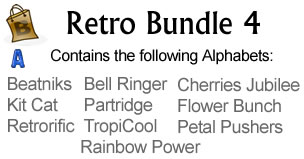
The
Lettering
Delights Retro Bundles have been so well received, we are bringing you another
one! Retro
Bundle 4 has ten more retro-style alphabets. This bundle
is specially priced at only $15 - a savings of 50%!
|
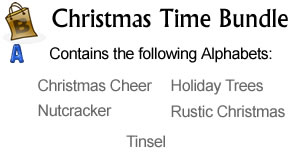
Christmas
is upon us! We've create five new fun and festive Christmas-themed alphabet together
in a new LD
Christmas Times Bundle. At only $10 this bundle
is perfect to highlight your Christmas memories!
| | 
The
following alphabets and fonts are now available for individual purchase on LetteringDelights.com: | | | So
come on over to LetteringDelights.com
and be sure to bring along a friend. |
| |