| |
|
The
great thing about Lettering
Delights products is that they enable you and me to exercise our creativity
in a variety of ways. They give us the opportunity to be versatile and imaginative.
Since
the Lettering Delights
products that you purchase can be used again and again, you also have the opportunity
to use the same products in a variety of ways. And when Lettering
Delights fonts are combined with the capabilities of your software, the possibilities
are endless.
I found myself looking for a new way to use one of my favorite
holiday fonts and the result was a whole new, unique look. Check out the details
in Creative Corner and then spend some time experimenting with different combinations
on your own, and the result will be a design that is one of a kind.
|  | 
Michelle@LetteringDelights.com
P.S. Share LetteringDelights.com with your friends and you'll both receive
a special think you - a coupon code good for $5 off a LetteringDelights.com
purchase of $15 or more. As new newsletter subscribers, your friends will
also receive seven fun and creative Lettering Delights fonts. | | | 
I
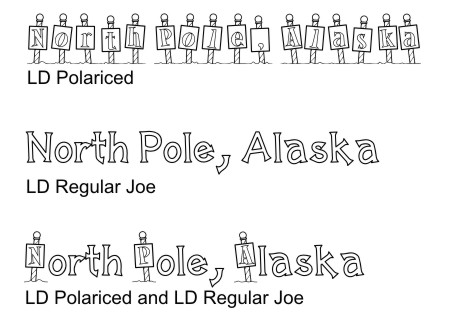
had pictures from a visit to North Pole, Alaska and knew that LD
Polariced would be the perfect font for my title. But I also wanted to make
it a little different from when I’ve used it in the past. So I found another
font, LD
Regular Joe, that matched well with LD
Polariced and I was able to create just the look I wanted.
It’s
easy to combine fonts in any software program that you may be using (i.e. MS Word,
Word Perfect, MS Publisher, Corel Draw, etc.).
Type the line of text that you want to have, and set it up in margins or a text
box that is the size you need. Use the font that you want to be the largest, or
the one that the majority of the text will be in. Next,
individually highlight the letters or words that you want to change, and select
your desired font. Now you may notice some variations
in sizes, even though the fonts are the same point size. This is easy to fix by
simply highlighting the letters or words and adjusting the point size as well.
For example, in the samples above, the LD
Polariced letters are 56 pt type and the LD
Regular Joe letters are only 40 pt. Every
software program is a little different in its capabilities, so I would suggest
spending some time exploring and trying different settings to see what the program
you use can do. For example, the title on the page below was created in Corel
Draw, which allows the vertical alignment of the letters to be changed, I was
able to move the LD
Regular Joe text up, so it is level with the letters in LD
Polariced. Again, this capability is something that will vary, depending on
the software you are using. Print and crop your
text to the desired size, adding mattes and embellishments as appropriate.
Remember to send us samples of all the
creative ways you are using Lettering Delights products for the monthly Inspirations
contest. Click
here for all of the contest details and information on submitting your work | | 
This
month we are introducing the Fundle
Bundle 1 - a bundle that brings together products that are not related and
do not necessarily go together, but will make great additions to your Lettering
Delights library. The first edition of the Fundle
Bundles , Fundle
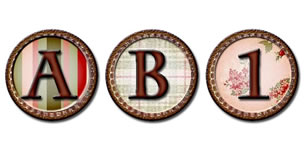
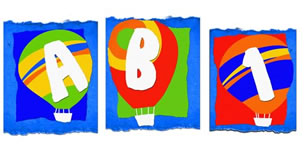
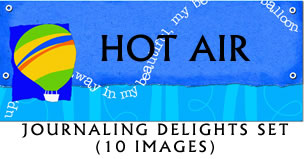
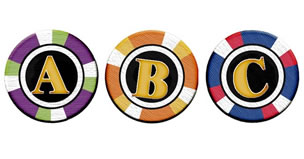
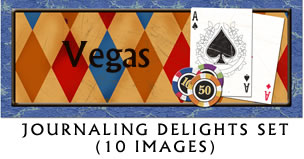
Bundle 1, includes three brand new alphabets: Vegas,
Anniversary
and Hot
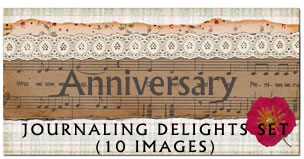
Air. Fundle Bundle 1 also includes a custom designed Journaling Delight set
that matches each alphabet.
All six of the products in Fundle
Bundle 1 are yours for only $10. The individual purchase cost on these products
would be $18!! That is a tremendous savings.
This week we also have more
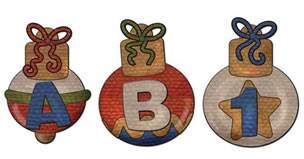
new individual products. Christmas
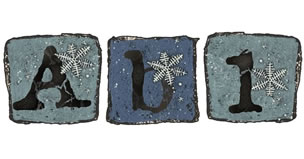
Baubles and Winter
Box are the latest seasonal alphabets, and new fonts include LD
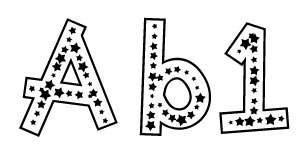
Seeing Stars, LD
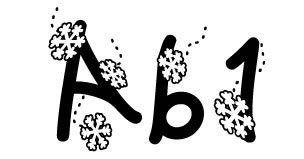
Flakey, LD
Spaghetti and LD
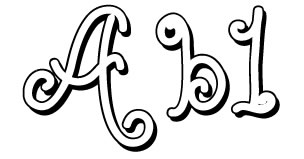
Joyous.
Each is available at LetteringDelights.com
for only $3.
| | | So
come on over to LetteringDelights.com
and be sure to bring along a friend. |
| |