

Many
of us are enjoying a three day weekend right now, in honor of President’s
Day. With this, and other three-day weekends comes the opportunity to take a quick
trip to see sites, visit family and friends or just ‘get away’ for a
few days. In honor of this traveling tradition, we’ve put together a ‘Road
Trip’ bundle that includes everything you will need to scrap your travels.
The ‘Road
Trip’ bundle includes five alphabets (Signaled,
Slide
Show, Highway,
Main
Street and Road
Trip) and five fonts (LD
Interstate, LD
RV, LD
City Scape, Scrap
Map and Scrap
States) for just $10.00. Each of these fonts and alphabets is a great basic
to add to your collection of Lettering
Delights products. P.S. Give free fonts to your friends! New Lettering Delights newsletter subscribers receive seven fun and creative Lettering Delights fonts. Encourage your friends to sign up today! |  |
||||||
Now
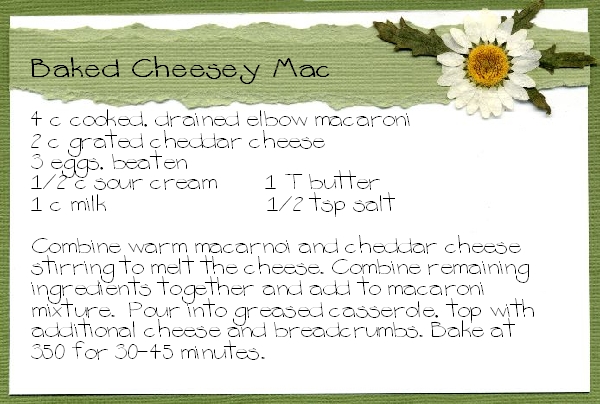
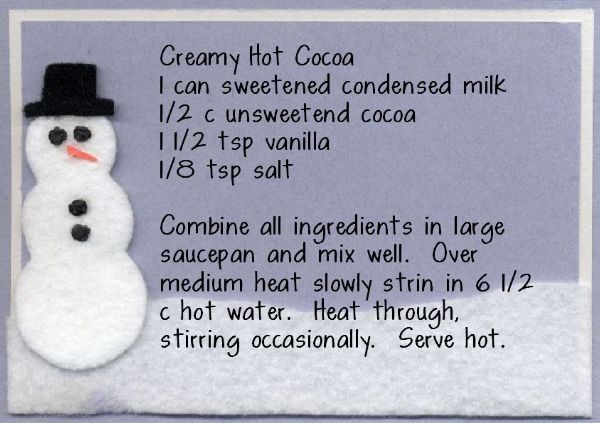
on to the Creative Corner project for this month.... With the Lettering Delights image browser, Journaling Delights images and a wide array of fun fonts, it’s easy to make beautiful, custom recipe cards that make sharing a recipe (and having multiple copies) a snap.
Remember to send us samples of all the creative ways you are using Lettering Delights products for the monthly Inspirations contest. Click here for all of the contest details and information on submitting your work | |||||||
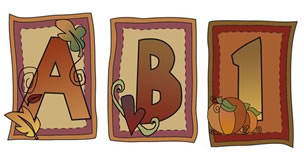
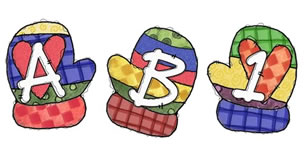
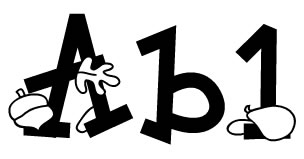
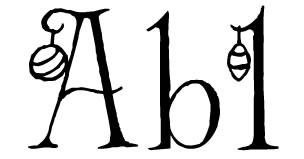
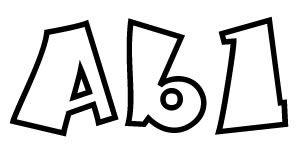
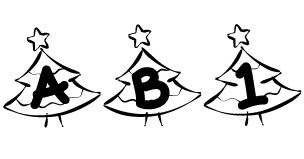
The following alphabets and fonts are now available for individual purchase on LetteringDelights.com: | |||||||
| So come on over to LetteringDelights.com and be sure to bring along a friend. | |||||||



©1999 - 2005 Inspire Graphics,
Inc.
PO Box 935
Pleasant Grove, UT 84062